
With our online tool, you can download videos quickly and efficiently without installing any software or creating an account. There’s no sign-up process and no extra steps involved.
Simply copy the video URL, paste it into our online platform, and wait a moment. The download starts automatically and completes fast and smoothly. Our tool is one of the most popular and trusted ways to download videos from social media platforms, making the entire process simple, reliable, and user-friendly.
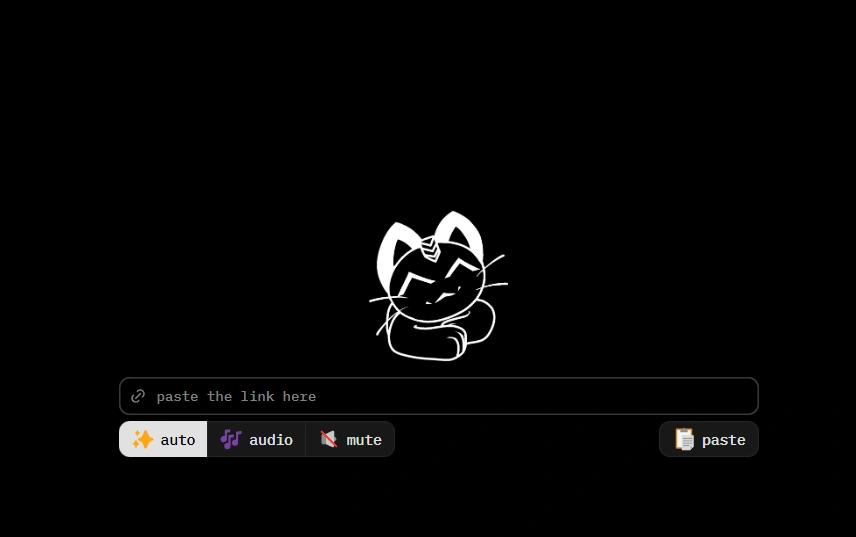
How to Download Vimeo Videos Using Cobalt
Step 1: Copy the Vimeo video link
Open Vimeo → click Share → Copy Link.
Step 2: Go to Cobalt Vimeo Downloader
Open your browser and visit the Cobalt Tools website.
Step 3: Paste the link
Paste the Vimeo URL into the input box.
Step 4: Choose MP4 or MP3
Select the format you want.
Step 5: Download instantly
Your video or audio will save directly to your device.
Fast, clean, and hassle-free.
Key Features of Cobalt Vimeo Video Downloader
1. Download Vimeo Videos in HD
Cobalt lets you download Vimeo videos in high-quality MP4 while keeping the original resolution.
Supports 1080p, 720p, and 480p, depending on the video.
2. Supports All Vimeo Video Types
Download tutorials, educational content, creative films, business videos, music performances, and Vimeo Stories with ease.
3. Convert Vimeo Videos to MP3
Need only the audio? Cobalt can extract MP3 files from Vimeo videos, perfect for lectures, podcasts, or background audio.
4. No Signup, No Login, No Ads
No account, no software, and no registration required.
Everything works online and is completely free.
5. Unlimited Downloads
Download as many Vimeo videos as you want without any limits.
6. Works on Any Device
Compatible with Android, iPhone, Windows, Mac, and all major browsers like Chrome, Safari, Firefox, and Edge.
7. Safe and Private
Cobalt doesn’t track users or collect data.
All downloads are protected with a secure HTTPS connection.