
Cobalt Tools also supports downloading videos from Snapchat, making it one of the easiest and fastest ways to save Snapchat content. Unlike complicated methods, Cobalt keeps the process simple and user-friendly.
All you need to do is copy the Snapchat video link, paste it into the Cobalt Tools input box, and press enter. The video will start downloading automatically within moments, with no extra steps or technical effort required.
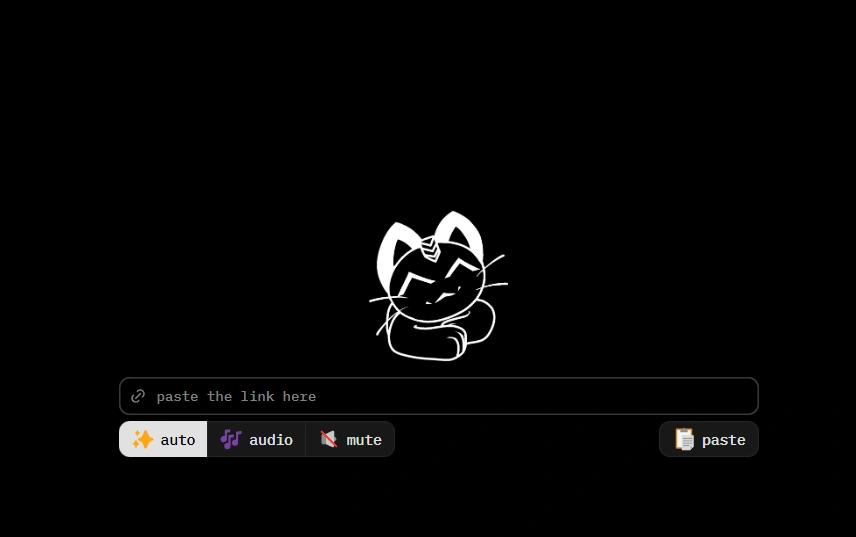
How to Download Snapchat Videos Using Cobalt
Step 1: Copy the Snapchat video or story link
Open Snapchat → tap Share → Copy Link.
Step 2: Go to Cobalt Snapchat Downloader
Open your browser and visit the Cobalt Tools website.
Step 3: Paste the link
Paste it into the input box.
Step 4: Choose MP4 or MP3
Select the preferred format.
Step 5: Download instantly
Your file will save directly to your device.
Fast, safe, and hassle-free.
Key Features of Cobalt Snapchat Video Downloader
Download Snaps & Stories in HD
Save Snapchat videos and stories in clear MP4 quality for offline viewing or sharing.
No Watermarks, No Ads
Get clean downloads with no watermarks, pop-ups, or ads, perfect for personal use and creators.
Convert Videos to MP3
Extract audio from Snapchat videos and save it as MP3 for voice clips, music, or sound bites.
Unlimited & Free Downloads
Download as many videos as you want with no limits and no cost.
Works on All Devices
Compatible with Android, iPhone, Windows, Mac, and all major browsers.
Safe & Private
No login, no data tracking, and a secure HTTPS connection for full privacy.